
Play Free Chess on iPhone with iChess
Overview
iChess is a free mobile application designed for users who wish to enjoy the classic game of chess directly on their iPhone. The software delivers a straightforward digital recreation of the traditional 2D chessboard, offering a minimalist interface that focuses on gameplay rather than visual flair. It is intended for casual players, chess enthusiasts, and individuals seeking a no-cost way to engage with the game on their mobile device.
The app supports both single-player and multiplayer modes, allowing users to challenge either an AI opponent with adjustable difficulty levels or connect with another human player. Real-world usage scenarios include quick games during breaks, practice sessions for skill development, and recreational play between friends. The developer has not provided additional background details beyond the app’s name and purpose.
While the design is described as plain, it maintains functional clarity, making it accessible for users familiar with the rules of chess. The inclusion of a customizable board with five distinct designs adds a small layer of personalization. Despite the absence of tutorial support for beginners, the app remains a viable option for those already acquainted with the game’s mechanics.
Key Features & Capabilities
- Free Access – iChess is available at no cost, making it accessible to a broad audience seeking a no-fee chess experience on iPhone.
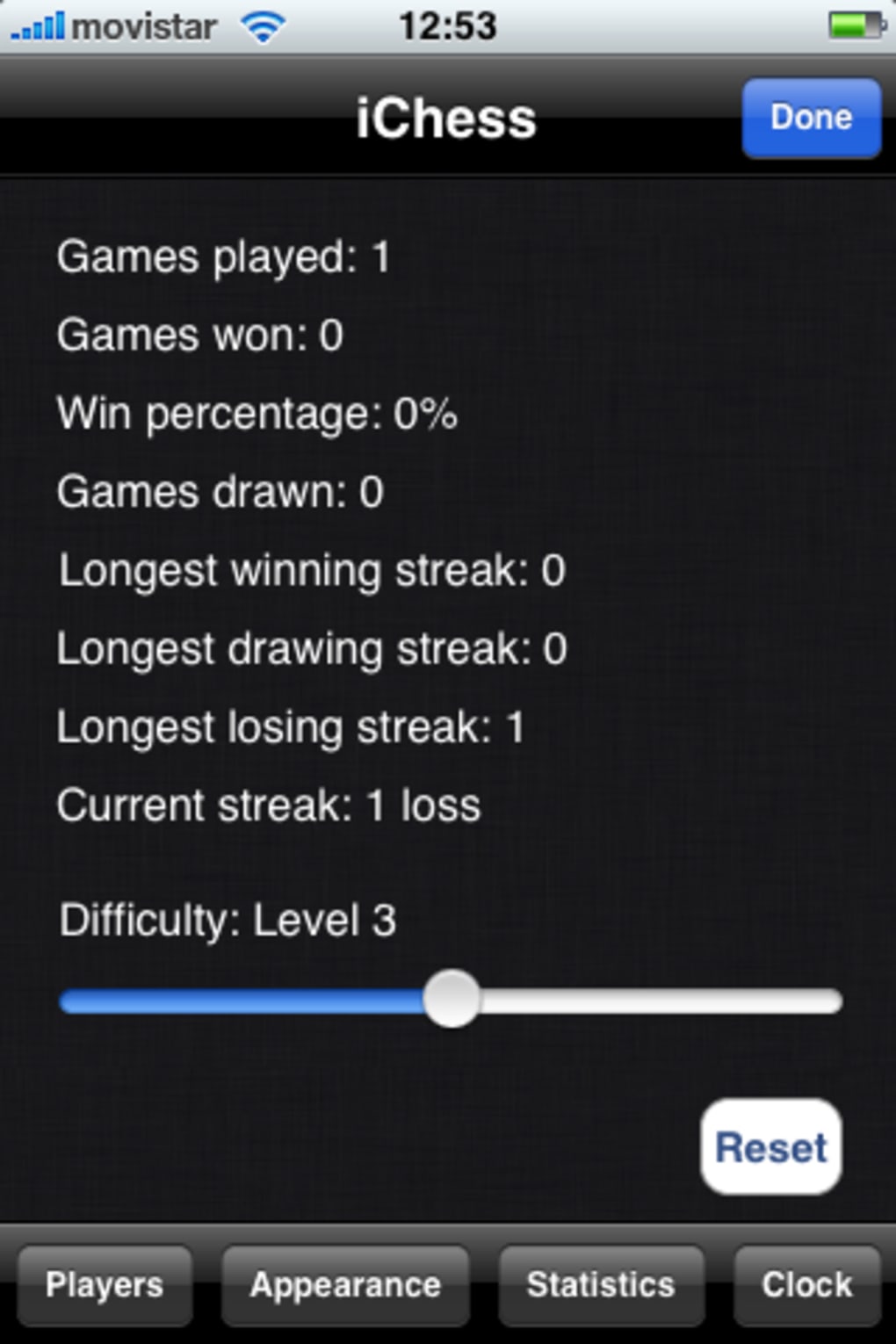
- Multiplayer Modes – Users can play against a computer opponent with five selectable skill levels or challenge another human player in real time.
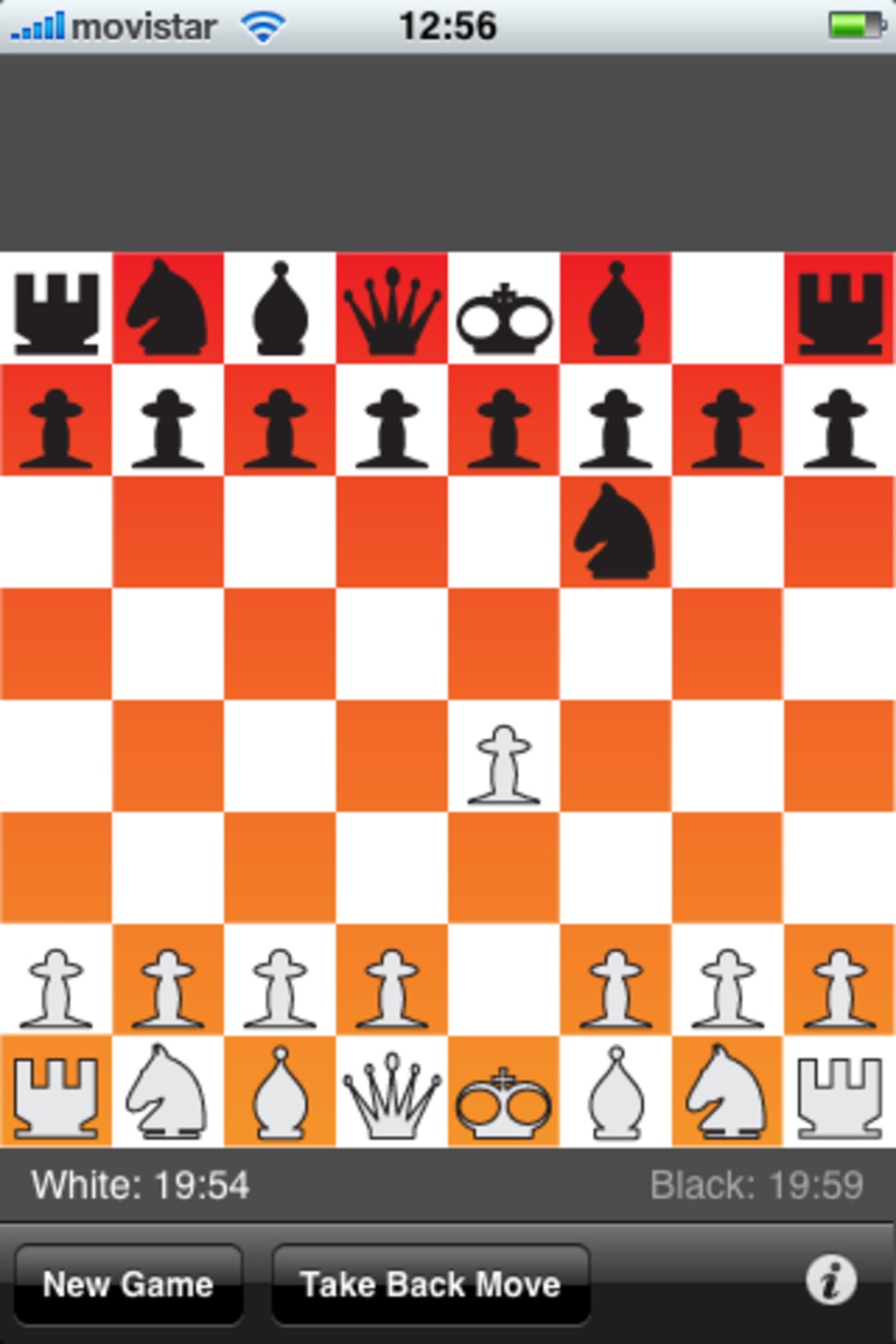
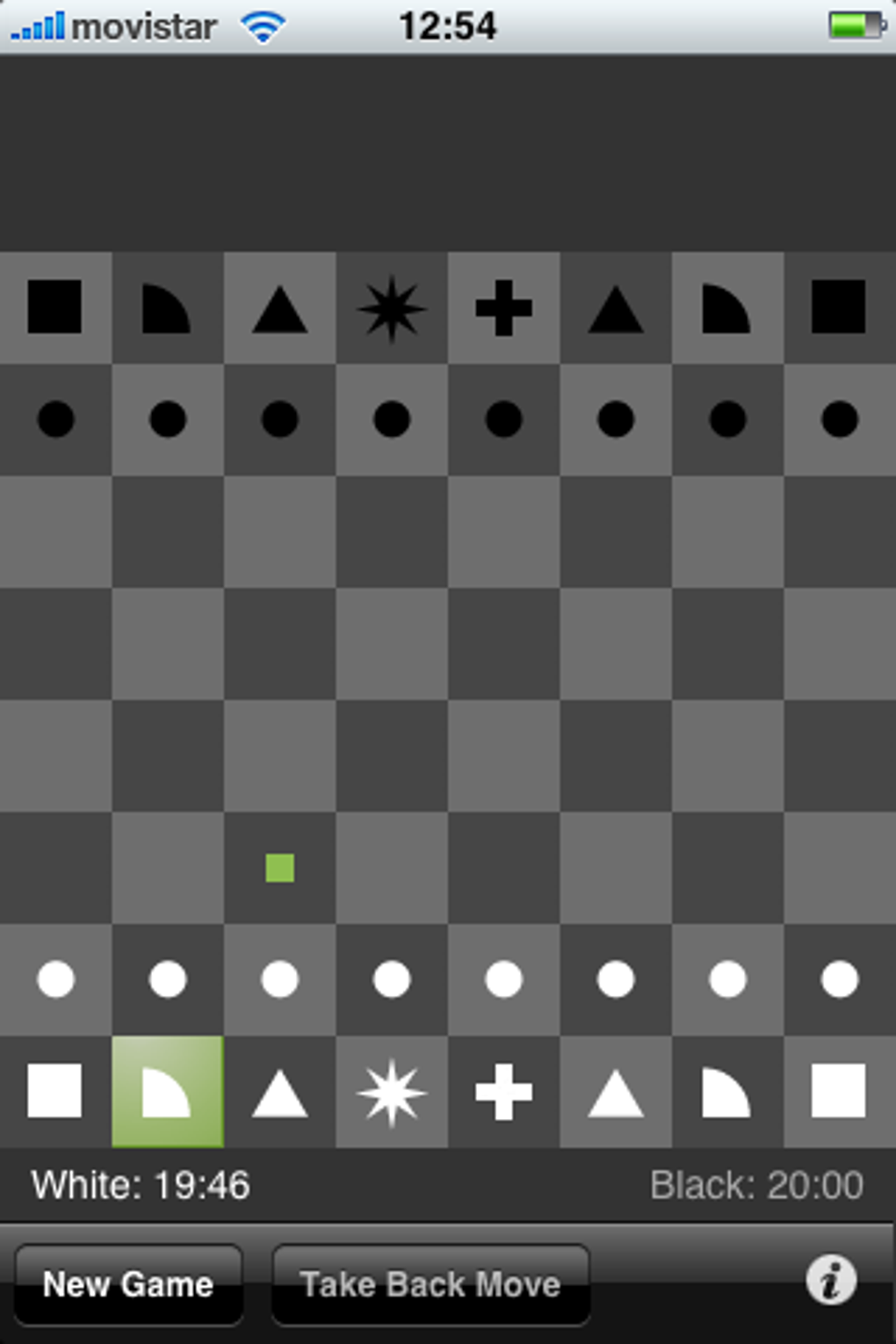
- Customizable Board Designs – Five different board styles are available, allowing users to personalize the visual appearance of the game interface.
- Game Clock Integration – A configurable time control system enables users to set up timed games, supporting both blitz and standard formats.
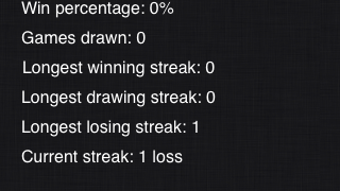
- Move History & Statistics – The app includes a detailed statistics section that tracks user performance and game history over time.
- Undo Functionality – The “Take back move” feature allows users to retract a mistake, enhancing the experience for casual and practicing players.
- Last Move Highlight – A visual indicator highlights the most recent move, improving clarity during gameplay.
These features support efficient gameplay and long-term engagement. For example, the ability to set a game clock makes iChess suitable for competitive practice, while the statistics section helps users track progress. The undo option is particularly useful for learning and reducing frustration.
The addition of a last move highlight improves readability, especially in complex positions. While the app does not include guided tutorials or in-game hints, its core functionality remains robust for experienced players. The integration of AdMob advertisements is noted as a recent update, indicating monetization through non-intrusive ad displays.
User Interface, Workflow & Performance
The user interface of iChess is characterized by its simplicity and minimalism. The game board is presented in a 2D format with rigid piece animations, which may feel less dynamic compared to more modern chess apps. Navigation is straightforward, with game controls located within the main screen and accessible via intuitive touch gestures.
Users can switch between game modes, adjust settings, and access the statistics section with minimal effort. The workflow is designed to minimize friction, allowing players to start a game quickly after launching the app. Performance observations are based on general software behavior patterns, as no specific performance metrics were provided.
The developer did not specify resource usage details, including CPU or RAM consumption. Stability appears to be consistent, though users may encounter brief delays during startup due to an evaluation notification page that appears each time the app is opened. This loading screen lasts a few seconds and disappears automatically.
Overall, the app maintains a stable operation under typical usage conditions, with no reported crashes or freezes. The interface remains responsive across different screen sizes, ensuring compatibility with various iPhone models.
Compatibility & System Requirements
iChess is designed exclusively for iPhone devices, as stated in the provided information. The current version is 2.1, released on September 15, 2023. The installation size is 120.7 MB, which is moderate for a mobile application with board game functionality.
Exact system requirements were not listed, including minimum iOS version or hardware specifications. Compatibility information was partially provided, confirming support for iPhone but not specifying which models or iOS versions are required. The developer did not provide additional details regarding device compatibility or performance thresholds.
Users should ensure their iPhone meets the standard requirements for running modern iOS apps. No information was given about offline or online functionality beyond the ability to play against AI or human opponents. The app may require an internet connection for multiplayer matches, though this is not explicitly confirmed.
Pros and Cons
Pros
- Free to download and use with no hidden costs
- Simple, clean interface ideal for focused gameplay
- Five customizable board designs for personal preference
- Supports both AI and human multiplayer modes
- Game clock feature for timed matches
- Comprehensive statistics to track game history
- Undo move function reduces frustration
- Recent update includes last move highlight
Cons
- No tutorial or beginner guidance included
- Startup delay due to evaluation notification page
- AdMob advertisements may interrupt gameplay
- Minimal visual polish and rigid animations
- Exact system requirements not specified
- Limited customization beyond board designs
FAQ Section
Is iChess available for free on iPhone?
Yes, iChess is available at no cost on the iPhone. The app does not require a subscription or in-app purchases to access its core features.
Can I play against another person using iChess?
Yes, the app supports multiplayer gameplay against another human opponent, provided both players are connected and available to play.
Does iChess require an internet connection?
While the app can function offline for single-player games against AI, an internet connection is likely required for multiplayer matches against human opponents.
Are there any ads in iChess?
Yes, AdMob advertisements are integrated into the app as part of its monetization strategy. These ads may appear during gameplay or at startup.
Can I use iChess offline?
Yes, you can play against the computer opponent without an internet connection. However, online multiplayer functionality requires a stable connection.
Final Thoughts + CTA
iChess delivers a reliable and accessible way to play chess on iPhone without any cost. Its clean interface and core gameplay features make it a solid choice for users already familiar with the game. While the lack of beginner support and occasional startup delays are drawbacks, the app’s functionality, customization options, and statistics tracking provide meaningful value.
The inclusion of a game clock, undo feature, and last move highlight enhances usability. For those seeking a no-frills, free chess experience on mobile, iChess stands out as a practical tool. The app’s simplicity, combined with its focus on core mechanics, ensures a satisfying experience for regular players.
Download iChess now.







